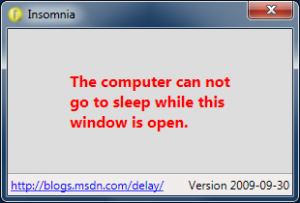
Microsoft has released a program called Insomnia, including source code. Many times when watching a movie, a PC will try and go to sleep, interrupting the movie. Insomnia fixes this issue by making the computer appear “busy” so that it does not go to sleep.
But what about those times when the computer is busy doing something and the relevant program doesn’t suppress the default sleep behavior? For example, it might be downloading a large file, re-encoding a music collection, backing up the hard drive, or hashing the entire contents of the disk. You don’t want the machine to go to sleep for now, but are otherwise happy with the default sleep behavior. Unfortunately, the easiest way I know of to temporarily suppress sleeping is to go to Control Panel, open the Power Options page, change the power plan settings, commit them – and then remember to undo everything once the task is finished. It’s not hard; but it’s kind of annoying…