Estimated Reading Time: 1 min
There are times when you need to flush the DNS cache of Windows. This may be you changed hosts, and it takes a while for the DNS cache to query the DNS server again. Here is a quick and easy way to flush the cache.
1. Open an elevated Command Prompt by going to Start, All Programs, Accessories. Right click the Command Prompt icon and select Run As Administrator.
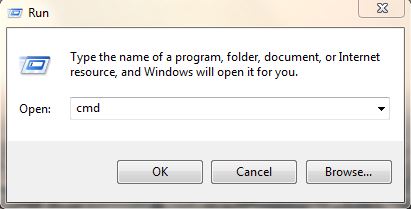
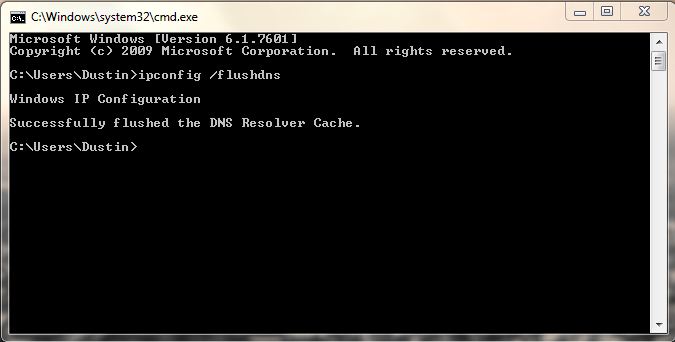
2. Type IPCONFIG /FLUSHDNS and press Enter. You will get the message: Successfully flushed the DNS Resolver Cache. Then, you can visit sites again, and it will re-query the DNS server for host names.
MSTechPages is a participant in the Amazon Services LLC Associates Program, an affiliate advertising program designed to provide a means for sites to earn advertising fees by advertising and linking to Amazon.com. As an Amazon Associate, we earn from qualifying purchases at no extra cost to you.