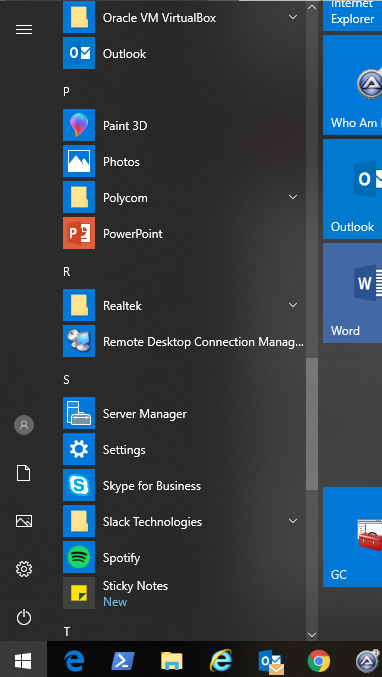
For many, the Metro interface is a problem and would like to have the desktop similar to Windows 7 and other previous versions. Here is a registry edit to disable Metro UI.
1. Open regedit by typing regedit at the Start screen.
2. Navigate to HKEY_CURRENT_USERSoftwareMicrosoftWindowsCurrentVersionExplorer
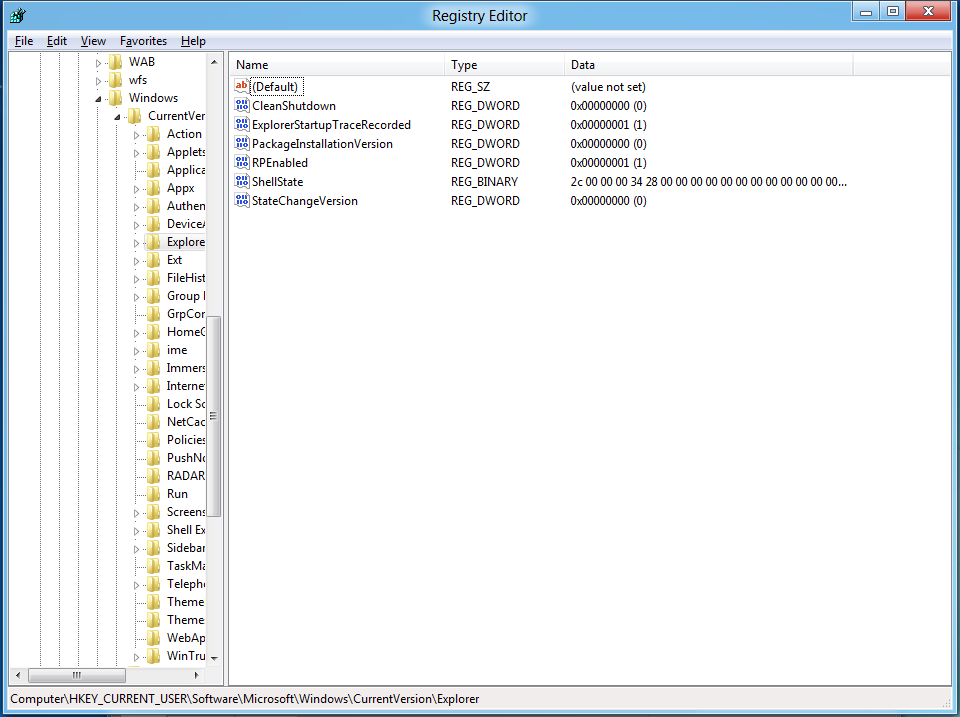
3. Modify the RPEnabled key to a “0” instead of the default “1”.
4. To return to the Metro UI, just change the value back to a “1”.
MSTechPages is a participant in the Amazon Services LLC Associates Program, an affiliate advertising program designed to provide a means for sites to earn advertising fees by advertising and linking to Amazon.com. As an Amazon Associate, we earn from qualifying purchases at no extra cost to you.