Estimated Reading Time: 1 min
Sometimes, a program associates itself with a compressed file, ZIP, and it opens with a lot of jibberish. It can be a pain, as the normal file association technique doesn’t work right.
Here is how to get Windows to open your ZIP files again:
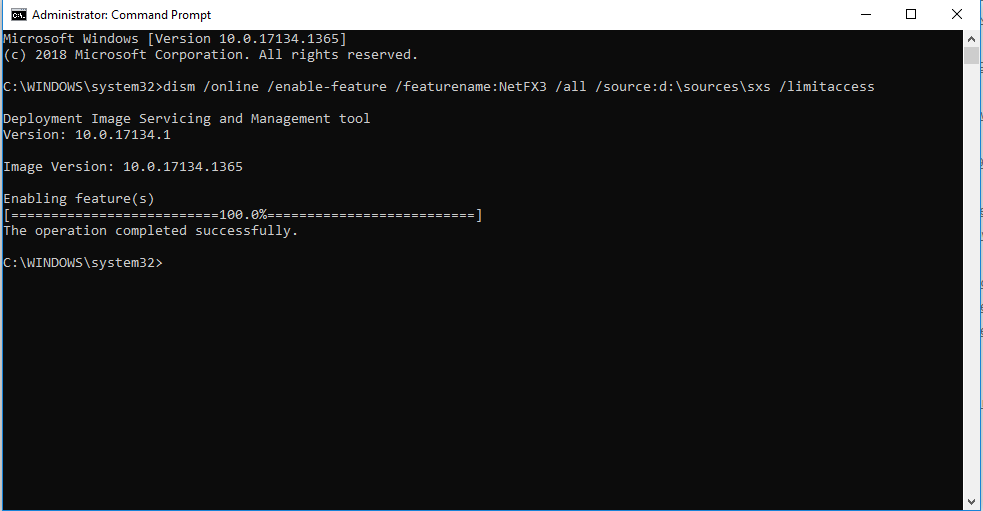
1. Open a command prompt as Administrator. Start > Accessories > Right click Command Prompt and select Run as Administrator.
2. Type: assoc .zip=CompressedFolder and press Enter.

That’s it. Your zip files are now able to open with Windows.
MSTechPages is a participant in the Amazon Services LLC Associates Program, an affiliate advertising program designed to provide a means for sites to earn advertising fees by advertising and linking to Amazon.com. As an Amazon Associate, we earn from qualifying purchases at no extra cost to you.