Estimated Reading Time: 2 min
Several people have had issues with Windows Update, from Windows 8.1 not able to update to Windows 10 not updating to the latest Insider build. Microsoft has a Troubleshooting tool that can help find the issue and correct it.
While this is not a fix all for everything that could be wrong with Windows Update, and it might not fix your particular issue, it is a good place to start. Also, if you are in the Insiders Program, always be sure to check the release notes. There are some known issues that have caused problems updating in the past (Anti-virus could interfere, SD Card could interfere, etc..). This is a great place to start if you are having issues, though, and it does work very fast to fix any issues with Windows Update that you may have.
1. Go to The Microsoft Windows Update Troubleshooter page (https://support.microsoft.com/en-us/instantanswers/512a5183-ffab-40c5-8a68-021e32467565/windows-update-troubleshooter) and download the troubleshooter for your current operating system.
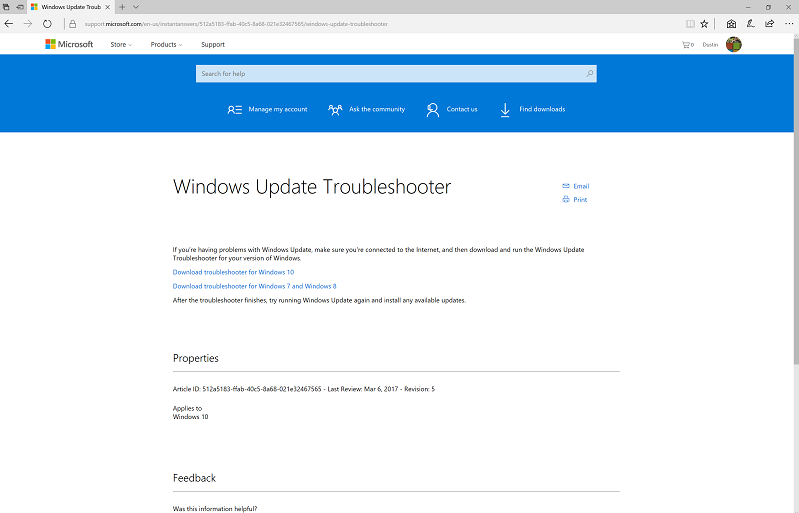
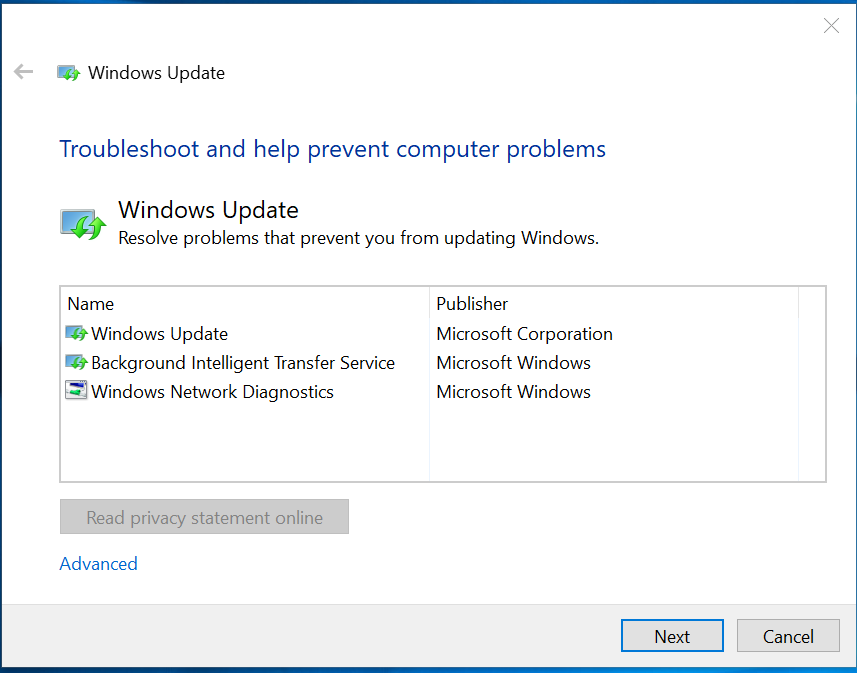
2. Run the file. This is a single file that can run on it’s own and does not require any installation. Select “Windows Update” and then click Next.
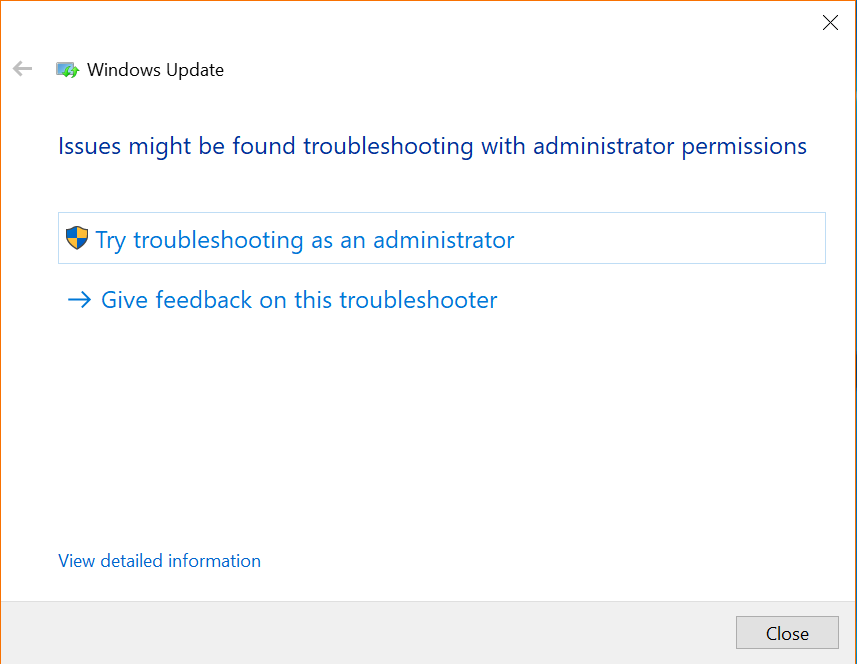
3. If it runs and cannot detect issues, it may need to be run as an Administrator, which is an option when it runs. The tool will run and check several things.
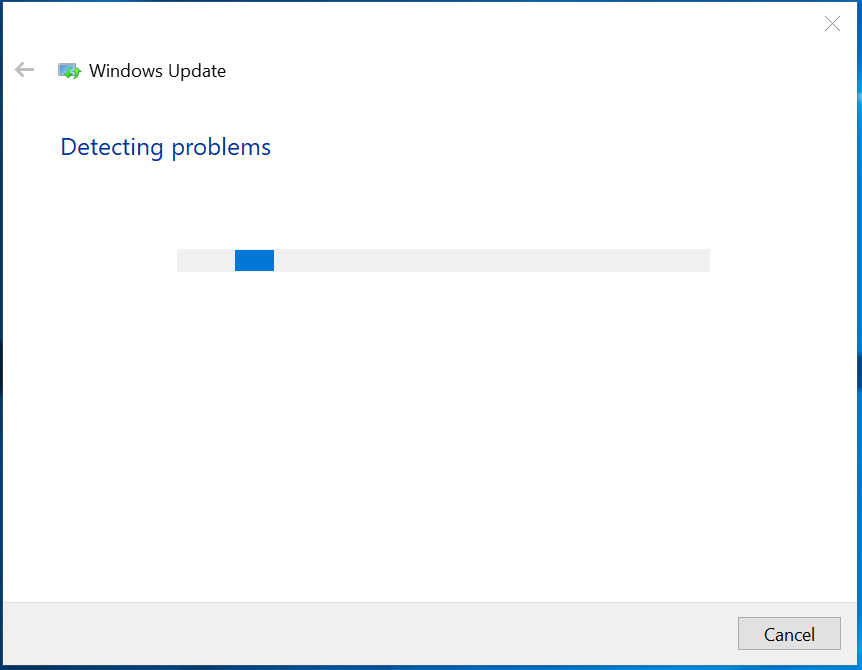
The Troubleshooting tool checks several things:
- Default Windows Update data locations have changed?
- Some security settings are missing or have been changed?
- Check for missing or corrupt files.
- Service registration is missing or corrupt.
- Potential Windows Update Database error detected?
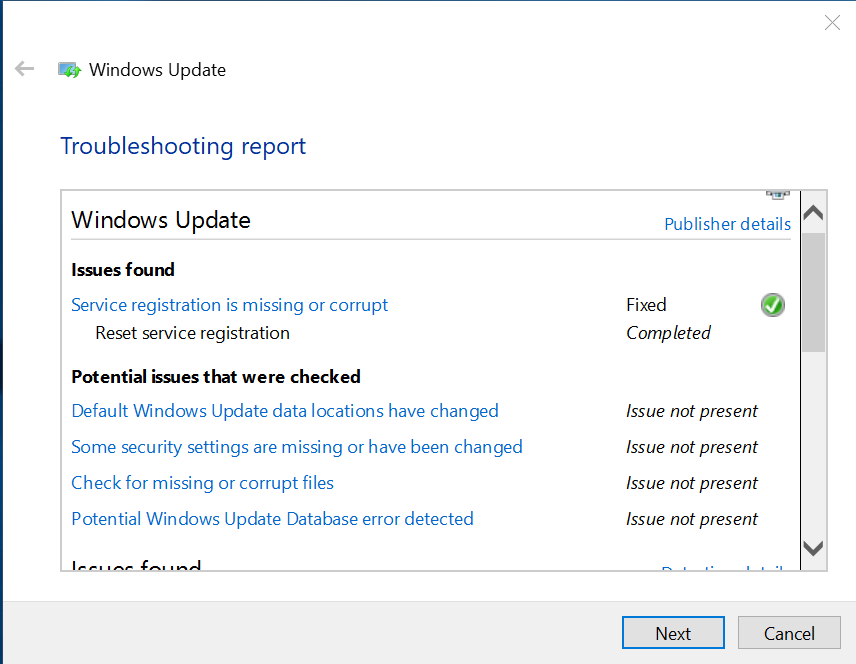
4. The tool will fix any found issues, and you can then close the troubleshooter. You can also click for a more detailed report to see what it did fix. From there, you can go back into Windows Update and try the updates again.
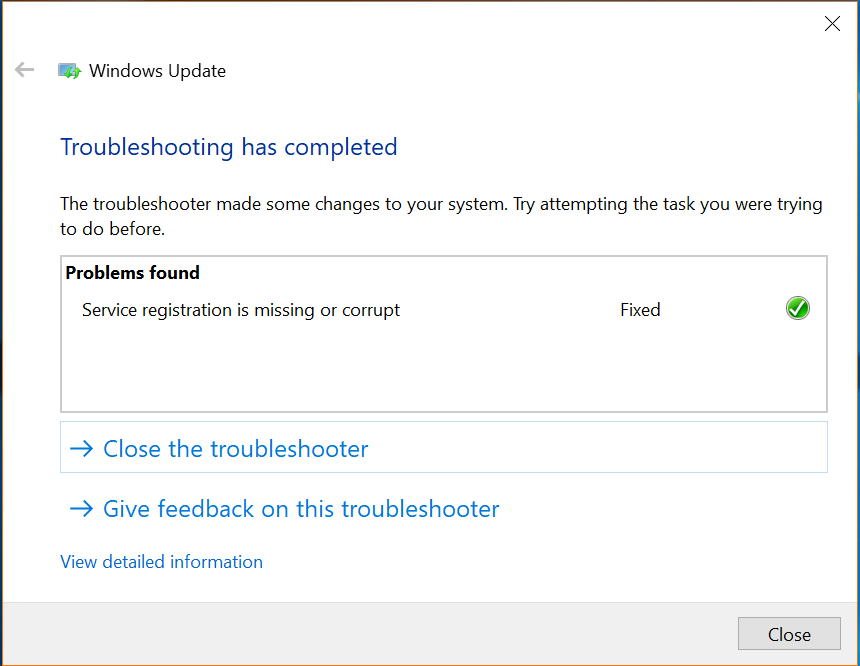
If you click the View detailed information, you see what was checked and what was fixed.
MSTechPages is a participant in the Amazon Services LLC Associates Program, an affiliate advertising program designed to provide a means for sites to earn advertising fees by advertising and linking to Amazon.com. As an Amazon Associate, we earn from qualifying purchases at no extra cost to you.